

Talk. Bulbul types.
A free, open-source dictation app for Windows, Mac, Linux, and Android. Hold a hotkey — or tap the bubble on your phone — speak, release, and cleaned-up text lands where your cursor already is.
Free on Windows · macOS · Linux · Android
See Bulbul in action.
The whole loop in a couple of minutes — set it up, hold the hotkey, talk, and watch clean text land right where your cursor already is.
Three things, done quietly well.
No commands to memorize, no dashboard to babysit. Hold, talk, and clean text appears where your cursor already is.
Hold-to-talk, anywhere
Press and hold your hotkey in any window. Bulbul captures while you speak and stops the moment you let go.
Cleanup happens automatically
Filler words, false starts, and stray “ums” are removed. What lands is the sentence you meant to say.
Learns your corrections
Fix a word once and Bulbul remembers. Names, jargon, and product spellings get more accurate over time.
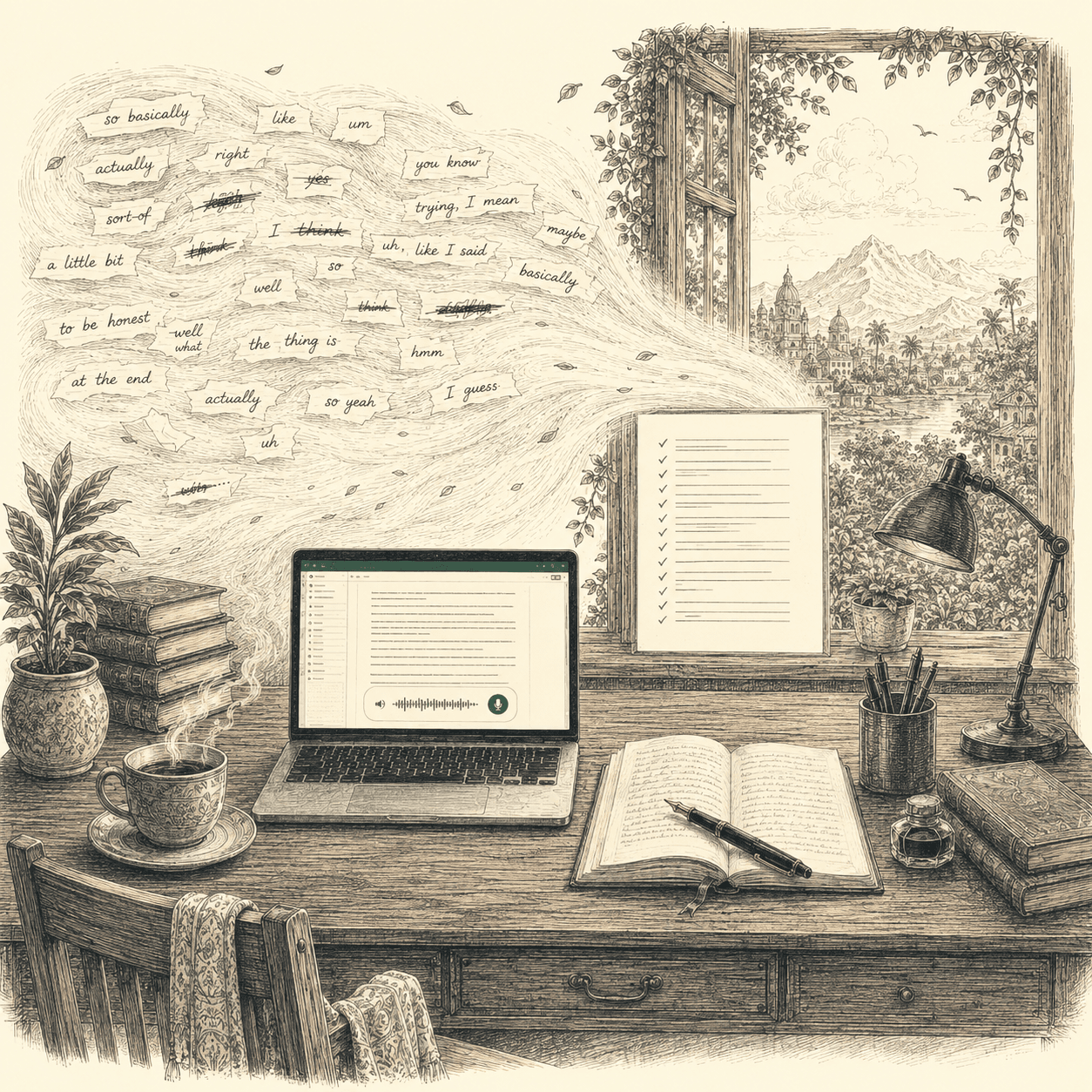
From the way you talk to the way you write.
Speech is messy — restarts, hedges, “ums.” Bulbul rewrites it into the sentence you intended, then pastes that.
So, um, I basically wanted to, you know, follow up about the, uh, the proposal — and honestly I think we should just ship it.
I wanted to follow up about the proposal — I think we should ship it.
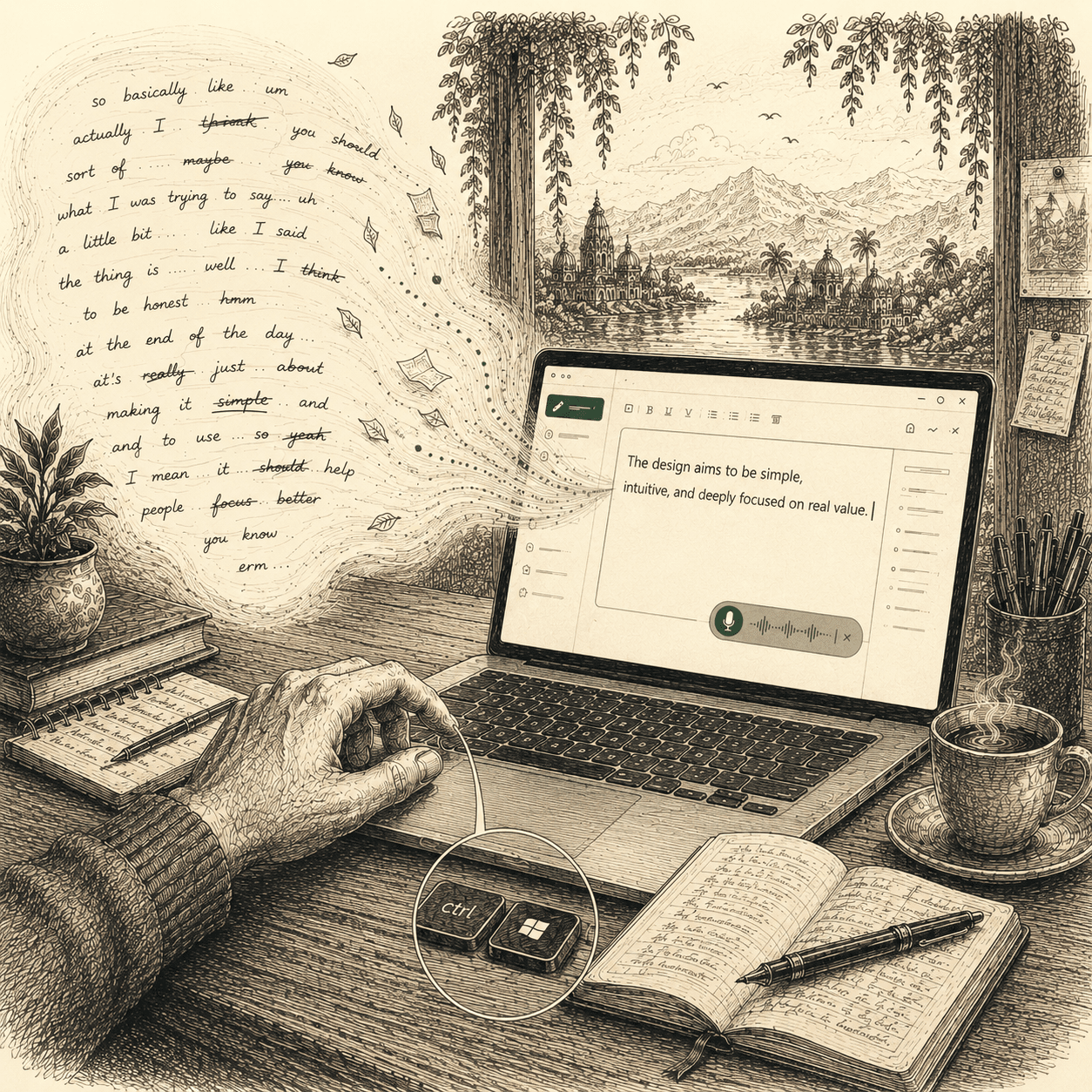
Hold, speak, release.
The whole interaction is three moves. Everything technical happens in the half-second between letting go and seeing your words.
- 01
Hold the hotkey
Press and hold from inside any app — no window switching.
Ctrl+Win - 02
Speak naturally
Talk the way you think. Bulbul listens until you release.
- 03
Release — it’s pasted
Cleaned text drops straight into the field you were in.
Pasted
- 01Captured locally
Audio is captured on your device via cpal, then streamed to Groq for transcription.
- 02Transcribed
Groq Whisper, using your API key.
- 03Cleaned up
A fast cleanup model polishes the text.
- 04Pasted in place
Inserted where your cursor already is.
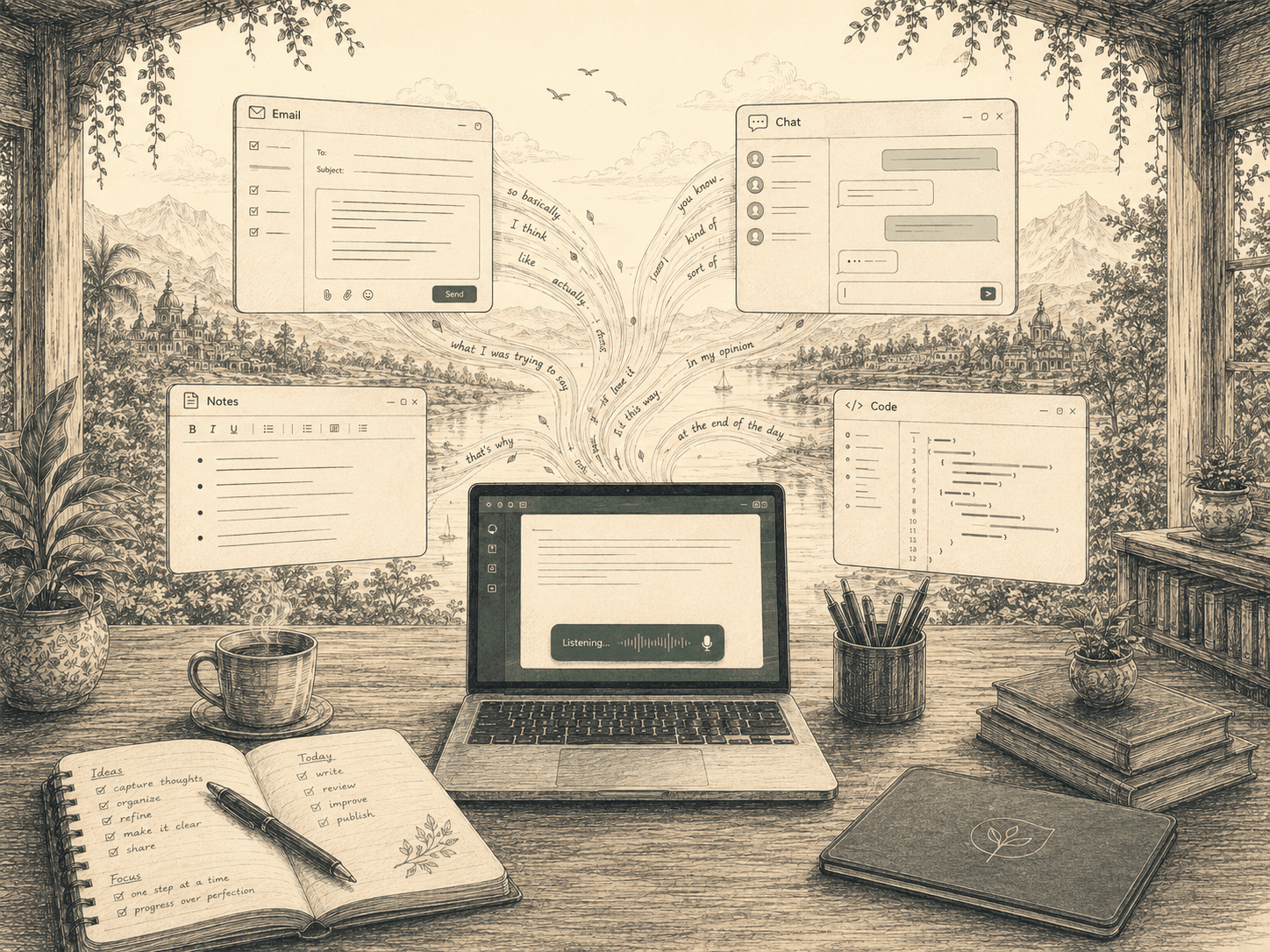
Same hold-to-talk. Any window.
Bulbul types into whatever already has focus — your mail client, your editor, your chat box. Pick a destination and watch.
Fast enough to feel like nothing.
Bulbul targets sub-second end-to-end — from the moment you stop speaking to text appearing in the app you’re focused on.
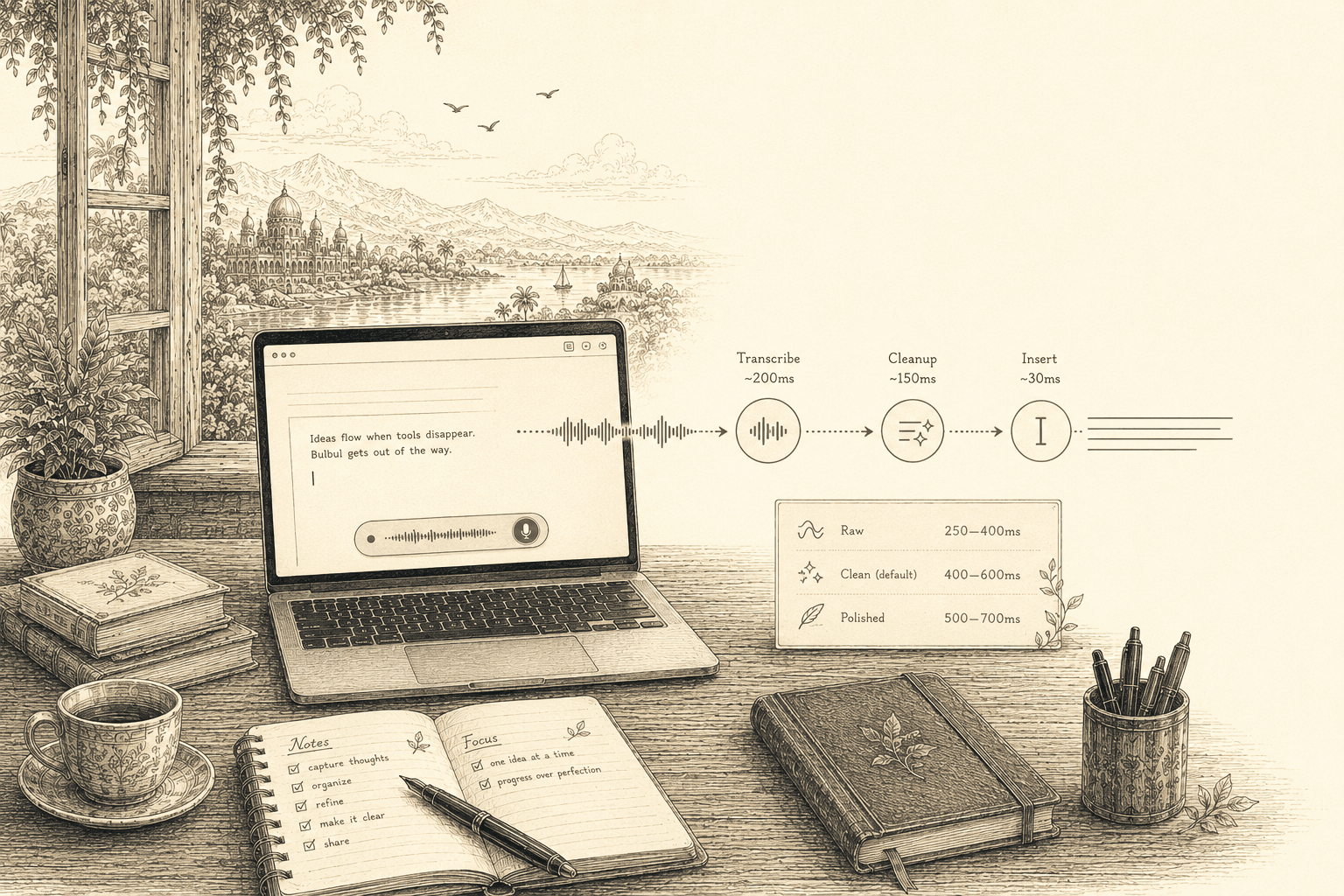
Most dictation lands between 300 and 500ms — fast enough that you don’t notice the round-trip through the cloud.
- 01~200msWhisper Large v3 Turbo
Transcribes the audio
- 02~150msCleanup model
Cleans it up — skipped in Raw mode
- 03~30msWin32 input injection
Drops text into your focused app
The “feels instant” threshold for keyboard-equivalent input is roughly 500ms. Bulbul stays under it in normal use.
More than a microphone button.
Everything is built around one loop — speak, clean, paste — then sharpened with the tools that make daily dictation actually stick.

Teach it once. It remembers.
Fix a name or a piece of jargon a single time and Bulbul keeps it. Your personal dictionary builds itself from the corrections you actually make.
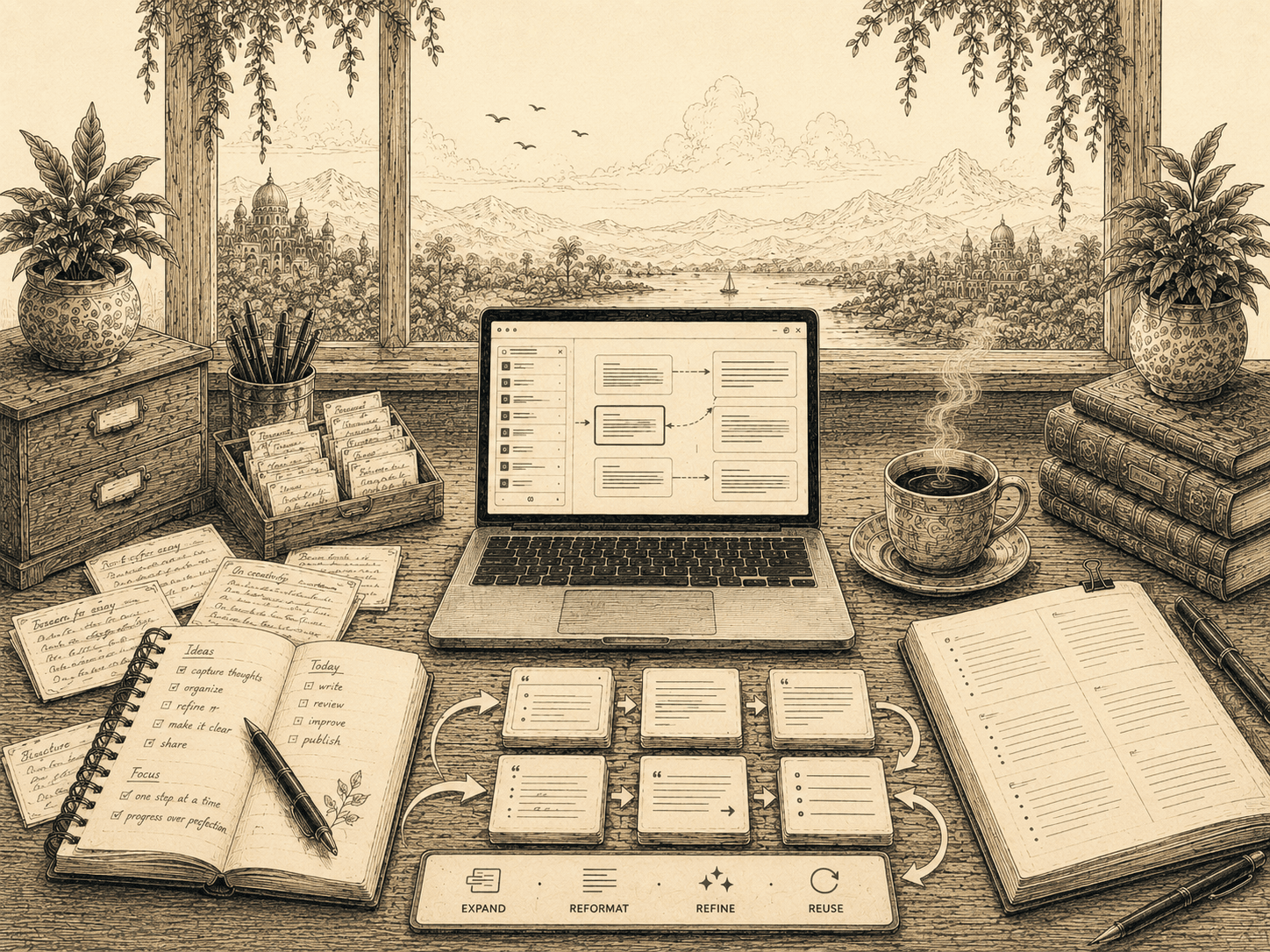
Reshape text, not just dictate it.
Captured something rough? Expand a bullet into a paragraph, reformat a list, or refine a draft — without leaving the app you’re in.
Hold — or tap — to talk
Hold the hotkey to capture and release to insert, or switch to tap-once-to-start, tap-again-to-stop.
Speak raw, paste polished
Hold the hotkey and just talk — Bulbul pastes the cleaned-up, polished version, never the raw transcript.
Per-app context
Tone adapts — terse in chat, fuller in mail and docs.
Snippets
Reusable blocks — signatures, boilerplate — dropped in by voice.
Scratchpad
A local holding space for dictations before they land.
Insights
Words dictated, time saved, and your most-made corrections.
Mouse mode
Bind a mouse button — middle-click by default — to start and stop dictation, no keyboard involved.
Pill position
Pin the floating overlay to the bottom-left, center, or right of the screen — wherever stays out of your way.
A trust ledger, not a privacy promise.
The honest version of “your data is safe”: here is exactly where everything goes, line by line.
Bring your own Groq key
BYOKNo subscription and no usage caps from us — you bring your own free Groq key and pay Groq directly (or nothing, on their free tier). Bulbul never ships or proxies a key.
No Bulbul servers
directAudio goes from your machine straight to Groq. There is nothing in the middle to trust.
Local storage
SQLiteHistory, snippets, and settings live in a SQLite file on your PC — not a cloud account. Audio goes to Groq via your own API key for transcription; the only other thing that ever leaves is the optional, anonymous usage stat below — which is off with one toggle.
Signed releases
minisignEvery build is signed with minisign so you can verify exactly what you’re running.
Anonymous usage stats are on
on by defaultBulbul is solo-built — counts and error categories help me know what to fix. Never your transcripts, audio, dictionary, or which app you’re typing into. Turn it off anytime in Settings → Privacy.
Source available
openThe code is on GitHub. Read the data path and audit it for yourself.
It types what you actually said.
Windows already includes voice typing — but it transcribes literally, so misheard words, shaky punctuation, and filler land in your text as-is. Here’s the line-by-line picture; Bulbul’s column is what ships today, the others reflect well-known traits.
- Bulbul
- Windows Voice Typing
- Other providers
- Bulbul
- Windows Voice Typing
- Other providers
- Bulbul
- Windows Voice Typing
- Other providers
- Bulbul
- Windows Voice Typing
- Other providers
- Bulbul
- Windows Voice Typing
- Other providers
- Bulbul
- Windows Voice Typing
- Other providers
- Bulbul
- Windows Voice Typing
- Other providers
- ~2k/wk
- Bulbul
- Windows Voice Typing
- Other providers
- Bulbul
- Windows Voice Typing
- Other providers
- Bulbul
- Windows Voice Typing
- Other providers
- Bulbul
- Windows Voice Typing
- —
- Other providers
- Bulbul
- Windows Voice Typing
- Other providers
- Bulbul
- Windows Voice Typing
- Other providers
- Bulbul
- Windows Voice Typing
- —
- Other providers
- —
- Bulbul
- Win · Mac · Linux · Android
- Windows Voice Typing
- Windows
- Other providers
- mostly Mac
varies by tool · Comparison is informational, not a benchmark.
Honest engineering, all the way down.
If you’re going to inspect it, here’s the stack. Native where it matters, open where it counts.
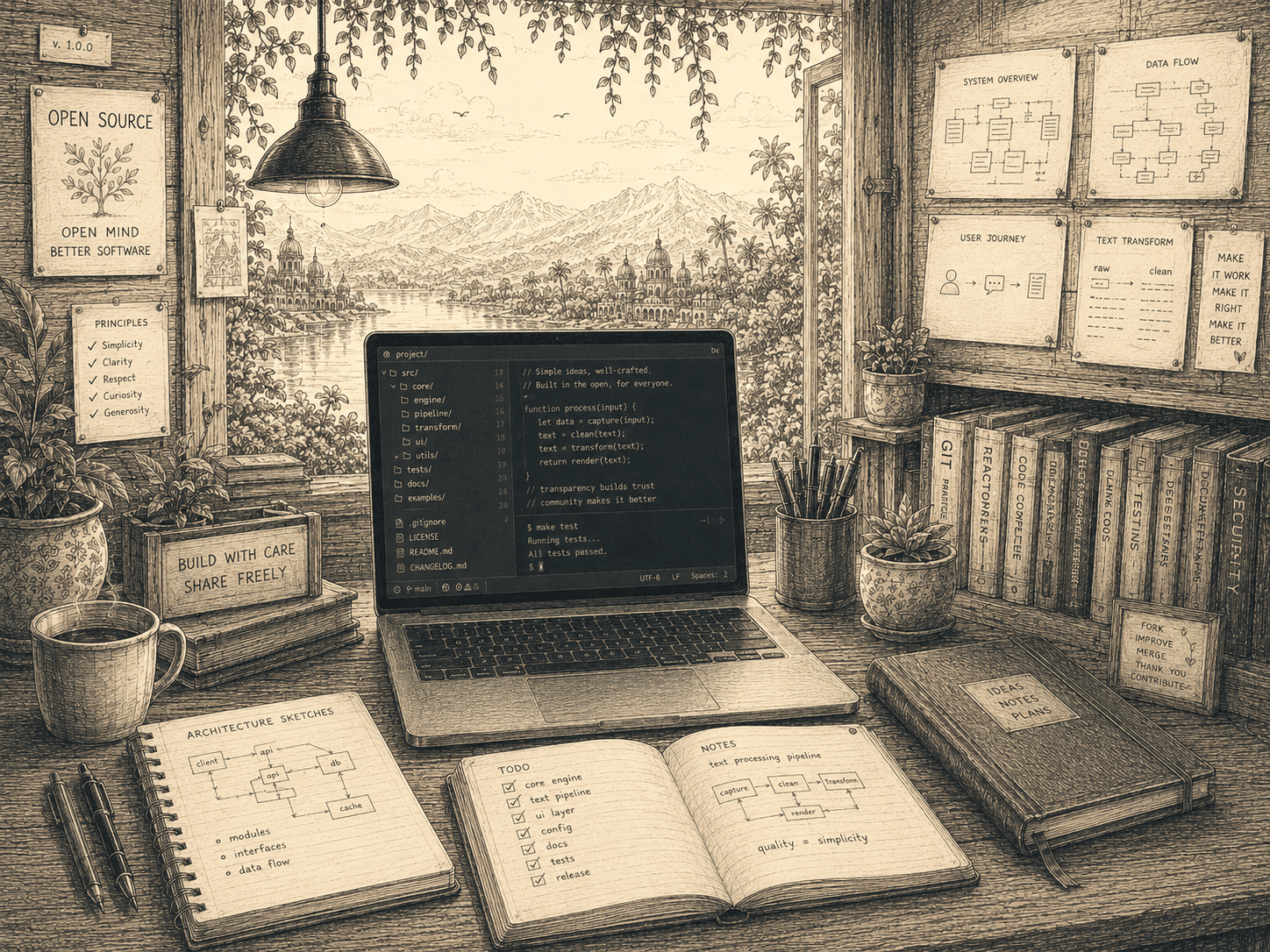
A native webview shell — not Electron. Small binary, low memory.
Audio capture, global hotkeys, and the local store run in Rust.
The interface is React 18, bundled and served by Vite.
Global hotkeys and paste-at-cursor go through native Win32.
Microphone capture via the cross-platform cpal audio crate.
Transcription on Whisper, cleanup on a fast Groq model — with automatic fallback.
Every local record lives in a single SQLite database file.
Signed builds with a signature-verifying auto-updater.
Up and running in a minute.
Download the signed installer for your OS, or paste one line into your terminal. Windows · macOS · Linux · Android.
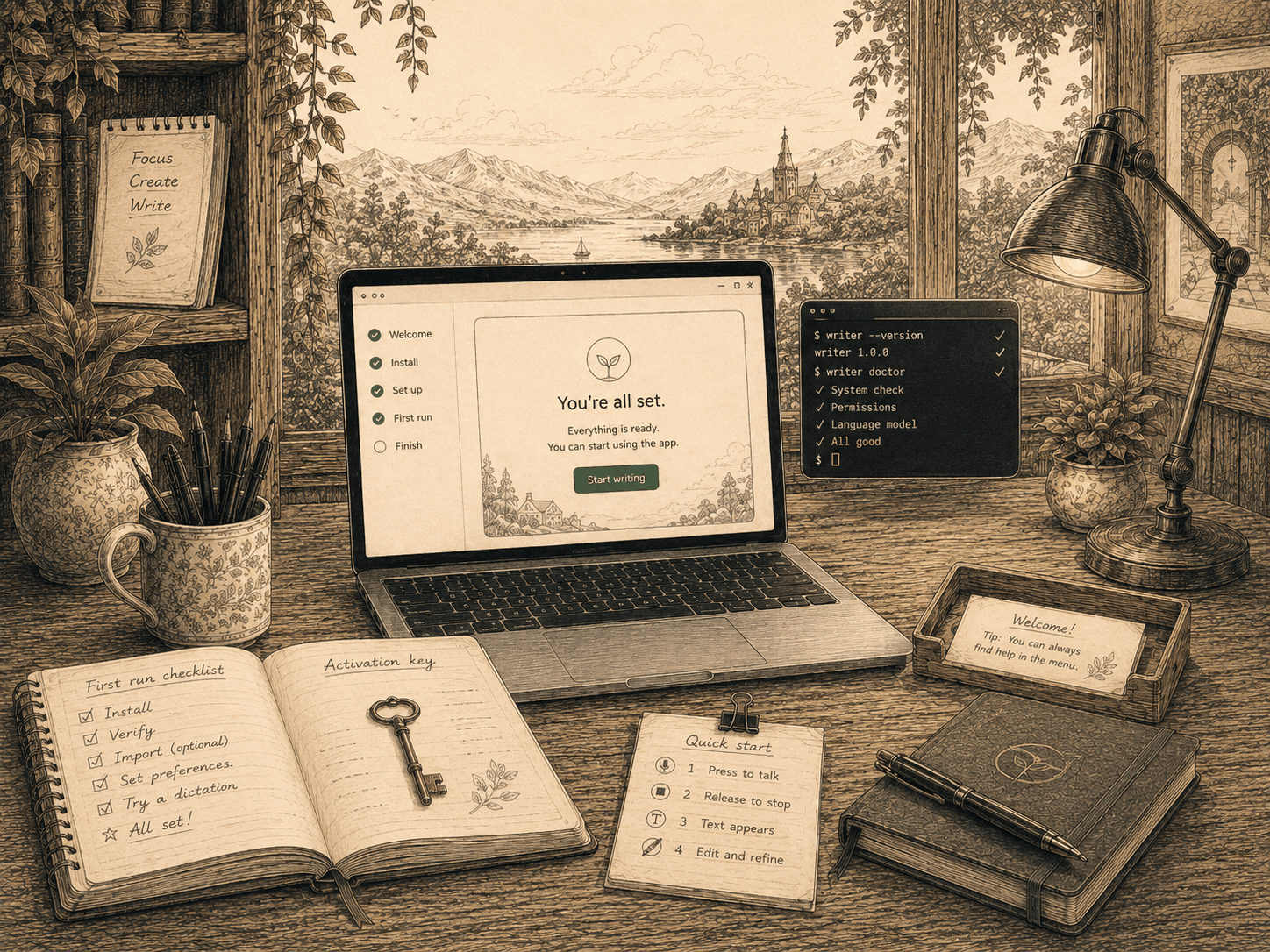
On first run, Bulbul asks for your name and your Groq API key. That’s the whole setup — no account, no sign-in.
Questions, answered plainly.
No. There’s no sign-up and no login. On first run it asks for your name and your Groq API key, and that’s it.
Audio is captured locally and sent directly from your machine to Groq for transcription, using your own API key. It does not pass through any Bulbul server.
Yes — Bulbul is free and open source. You only pay for your own Groq API usage, billed by Groq, not by us. There’s no subscription.
Yes. On desktop Bulbul pastes into whatever window has focus — mail clients, editors, chat boxes, docs. On Android a floating bubble appears with your keyboard and drops text into whatever field you're typing in. If you can type there, you can dictate there.
Yes — all of them. Bulbul runs on Windows 10/11 (x64), macOS 11+ (universal — Apple Silicon and Intel), Linux on X11 and Wayland (.AppImage, .deb, .rpm), and Android (arm64). Desktop dictates by holding a hotkey (tap-to-toggle and a mouse-button mode are also available); on Android you tap or hold a floating bubble.
Windows voice typing transcribes what you say literally. Bulbul adds a cleanup pass that removes filler and false starts, remembers your corrections, is open source, and runs on Mac, Linux, and Android too. Both send audio to a cloud model — Windows Speech to Microsoft, Bulbul to Groq using your own API key — but Bulbul keeps your history, dictionary, and snippets in a local SQLite file.